

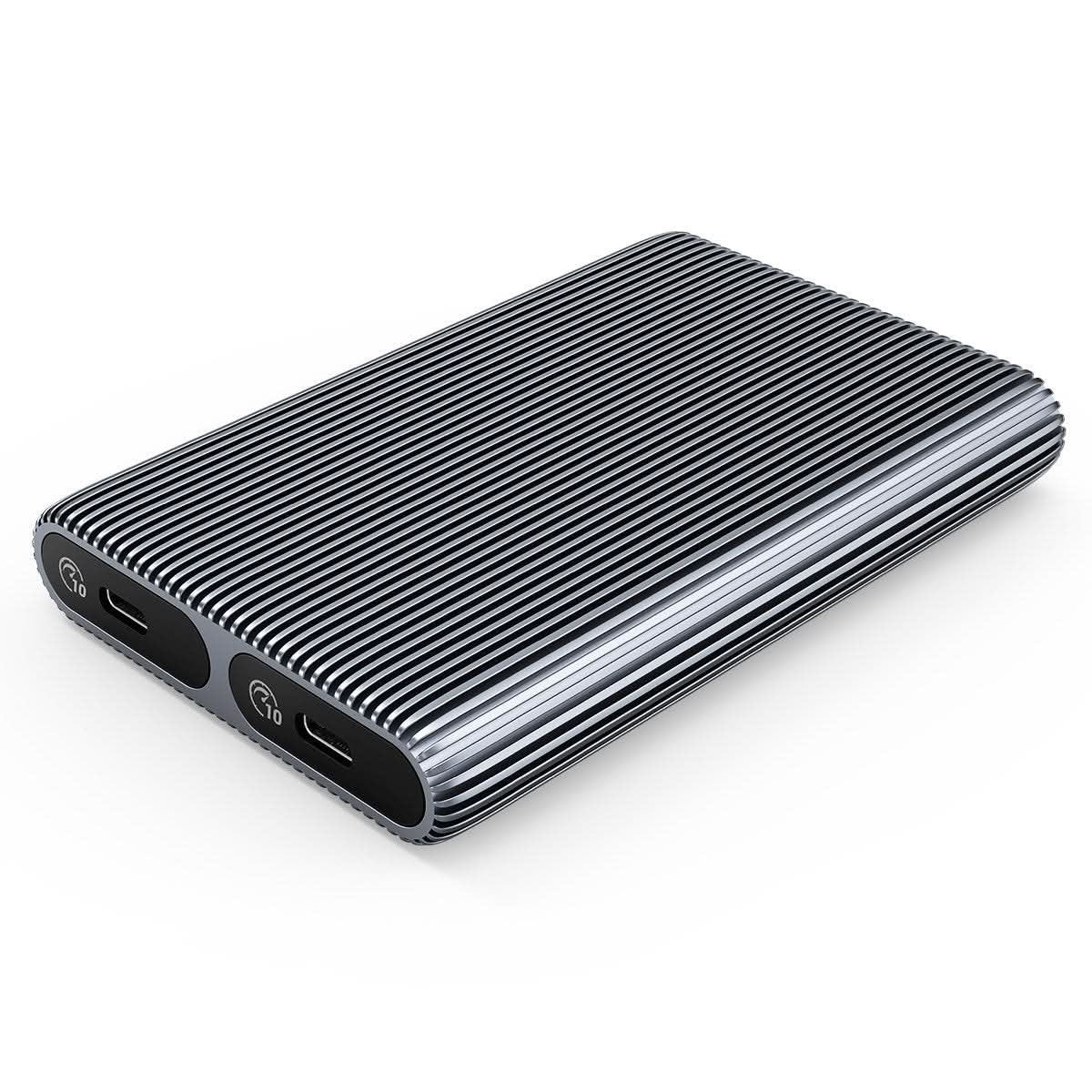
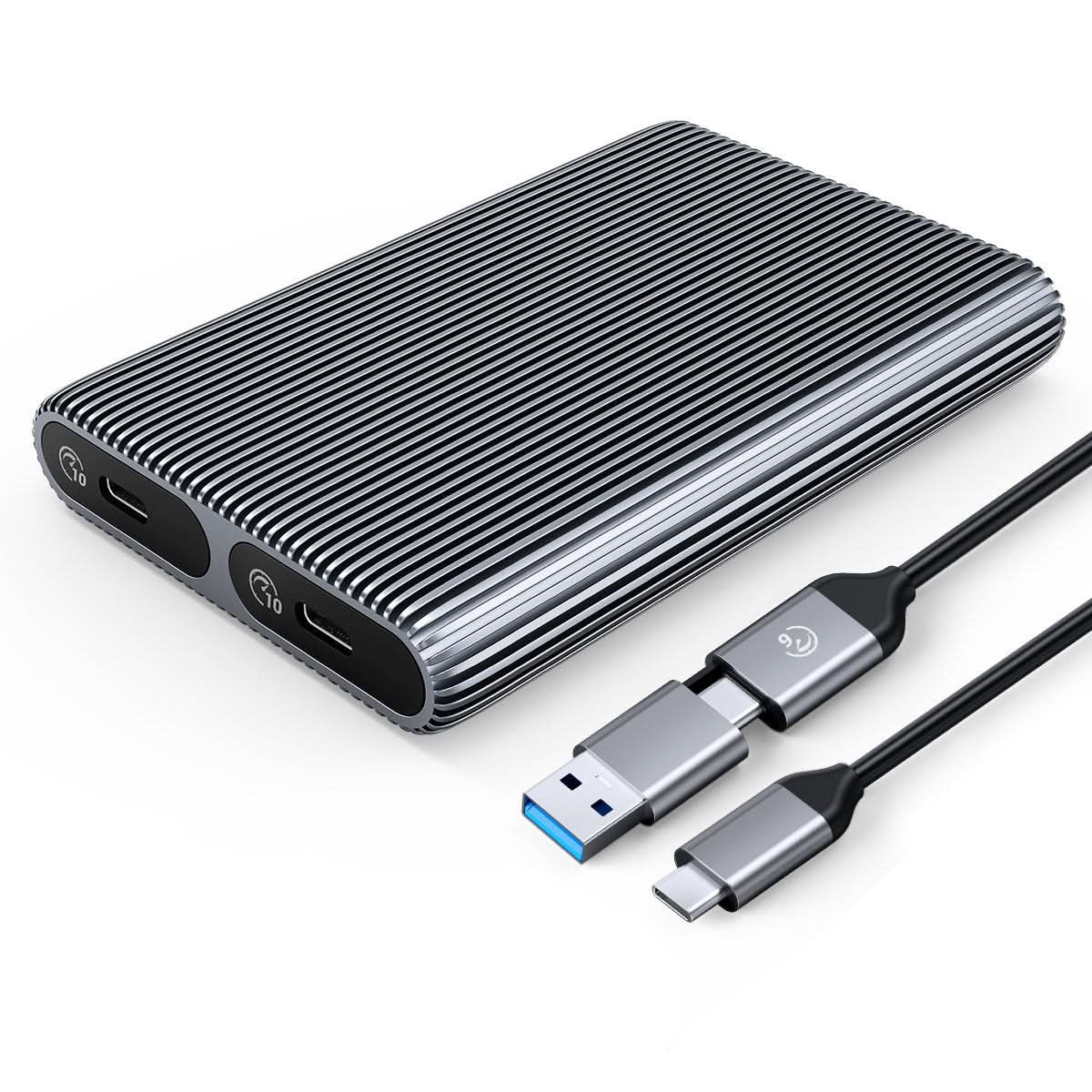

ORICO Aluminium Dual-Bay M.2 NVMe + NVMe-Gehäuse


Verpflichtungen
- Weltweiter Versand
- • 30-Tage-Geld-zurück-Garantie
- • Lebenslanger Kundensupport
- • 1 Jahr Garantie

Versand
• Kostenloser Versand ab einem Bestellwert von 39,99 $
• Voraussichtliche Lieferzeit: 5-14 Werktage
• Zollgebühr & Die Mehrwertsteuer ist für Lieferungen in die USA/EU/GB/CA/AU/SG usw. abgedeckt.

Zahlungsmethoden
Beschreibung
| Model |
AM2C3-2N
|
| Material | Aluminum Alloy |
| Cable |
Type-C to Type-C/USB-A 0.3M |
| Size | 112.5*75*17MM |
| Interface | Type-C |
| Transmission Rate | NVME10Gbps |
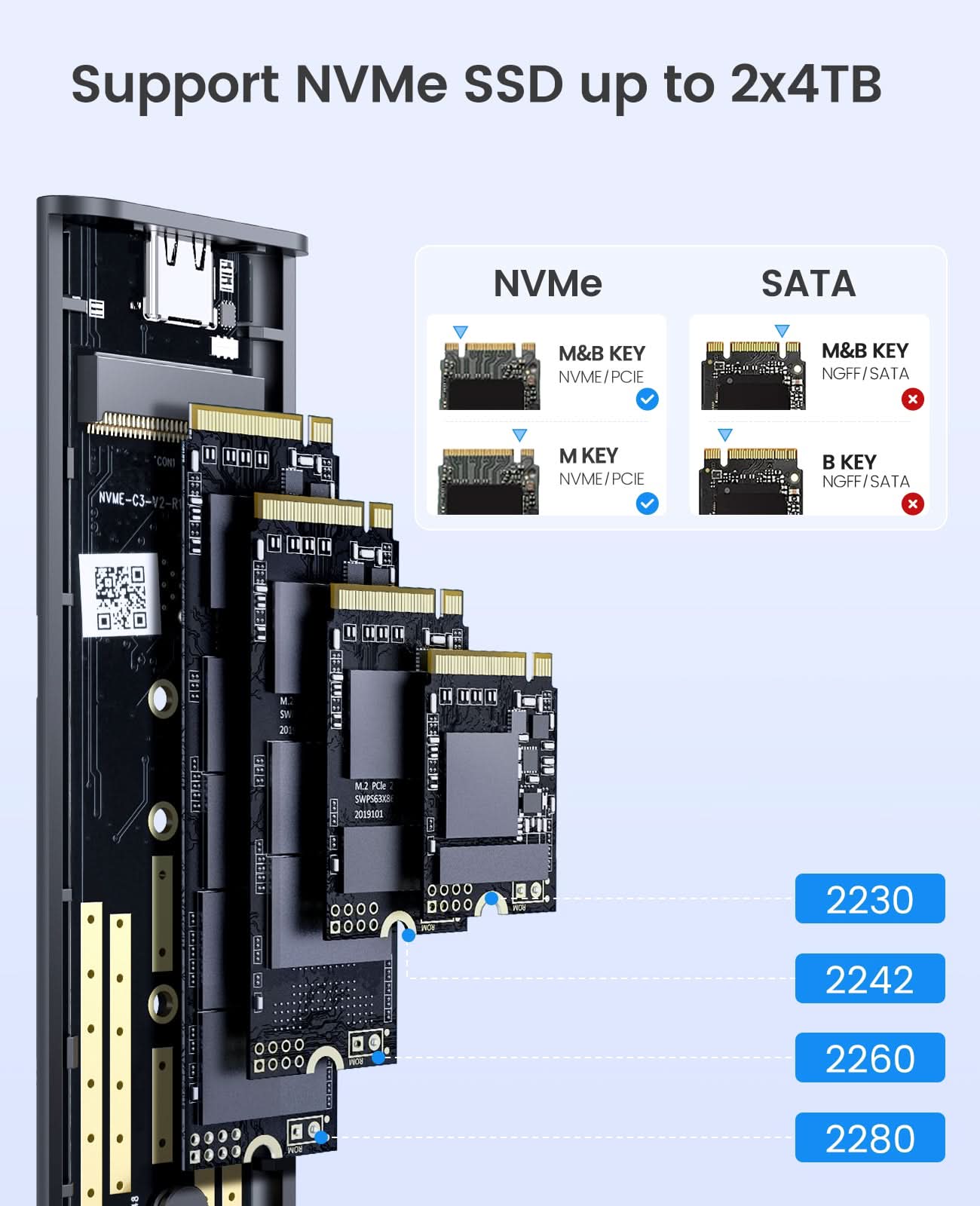
| Cpacity | 4TB MAX |
Spezifikationen
| Model |
AM2C3-2N
|
| Material | Aluminum Alloy |
| Cable |
Type-C to Type-C/USB-A 0.3M |
| Size | 112.5*75*17MM |
| Interface | Type-C |
| Transmission Rate | NVME10Gbps |
| Cpacity | 4TB MAX |

ORICO Tool-free Dual Bay M.2 NVMe SSD Enclosure
1.Aluminum alloy design, which has a high-grade appearance and texture.
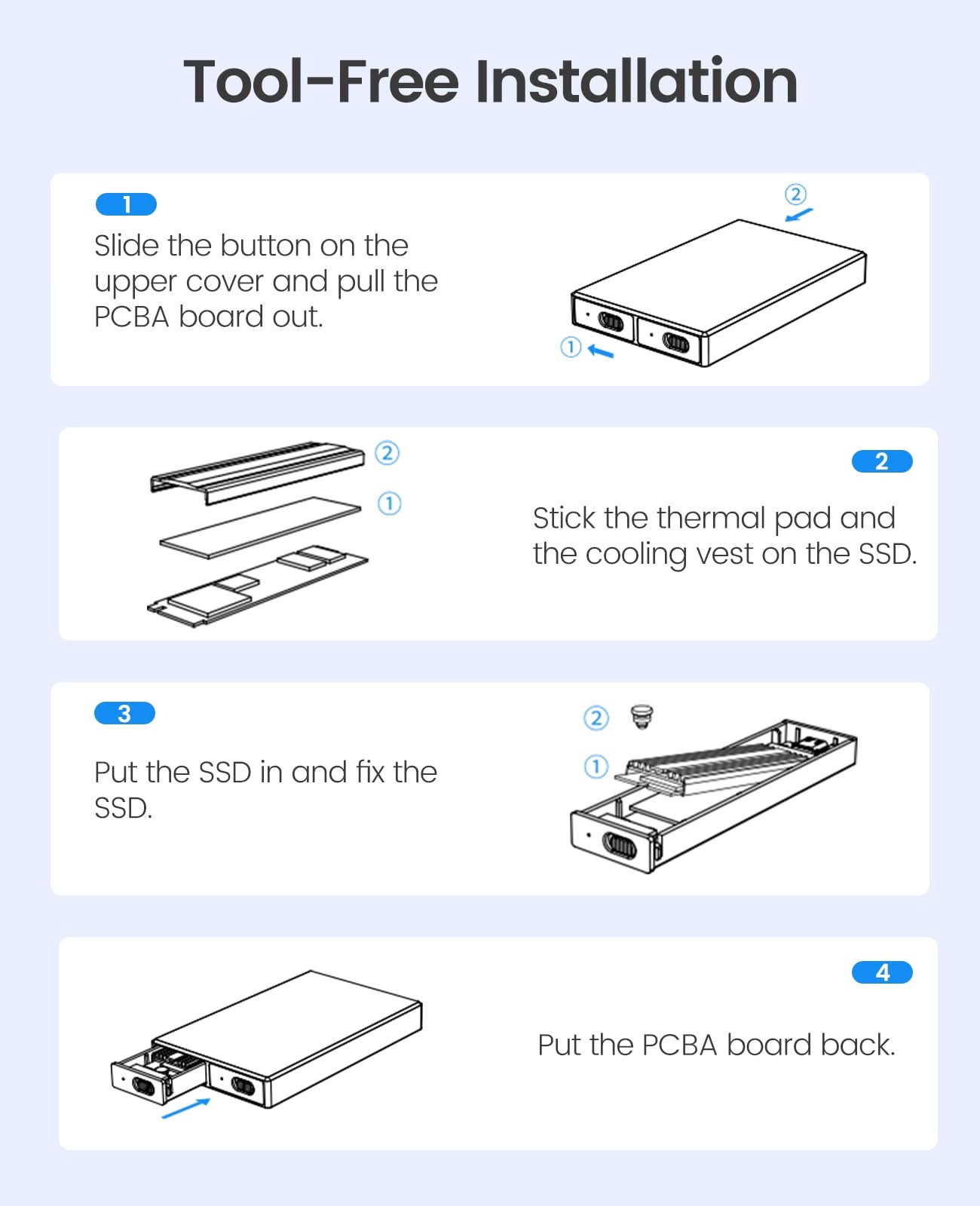
2.Tool-Free Installation, saving the trouble of screwing, easy to use, and portable.
3. With safety lock button design, which can be locked and extracted to prevent misoperation.
4. Support multi M.2 NVMe SSD, compatible with 30mm/42mm/60mm/80mm specifications.
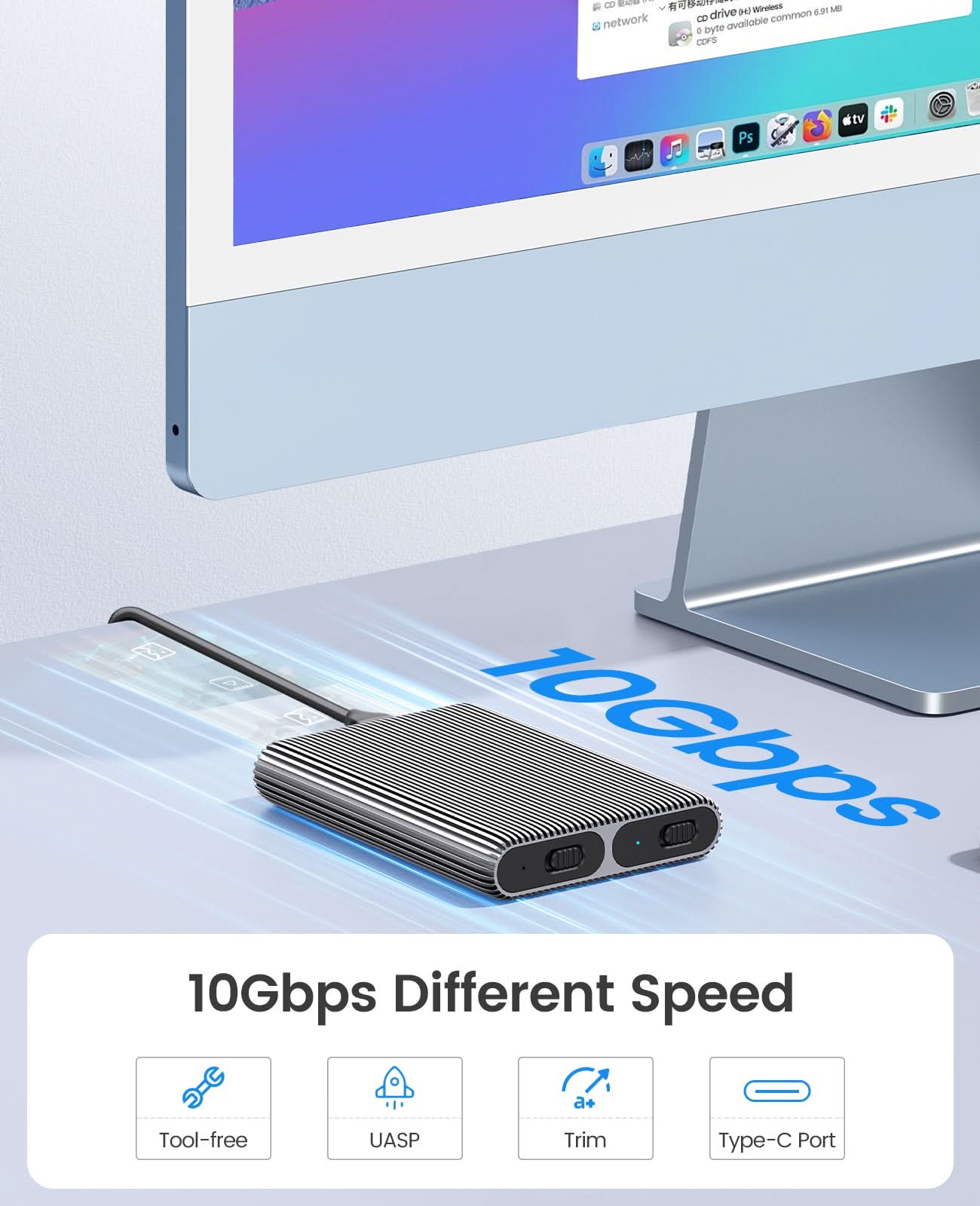
5. Adopting USB3.2 Gen2 Type-C interface 10Gbps ultra-high-speed transmission technology, support for forward and reverse insertion, backward compatible with USB3.0/USB2.0.
6. Support SSD TRIM instruction and UASP acceleration.
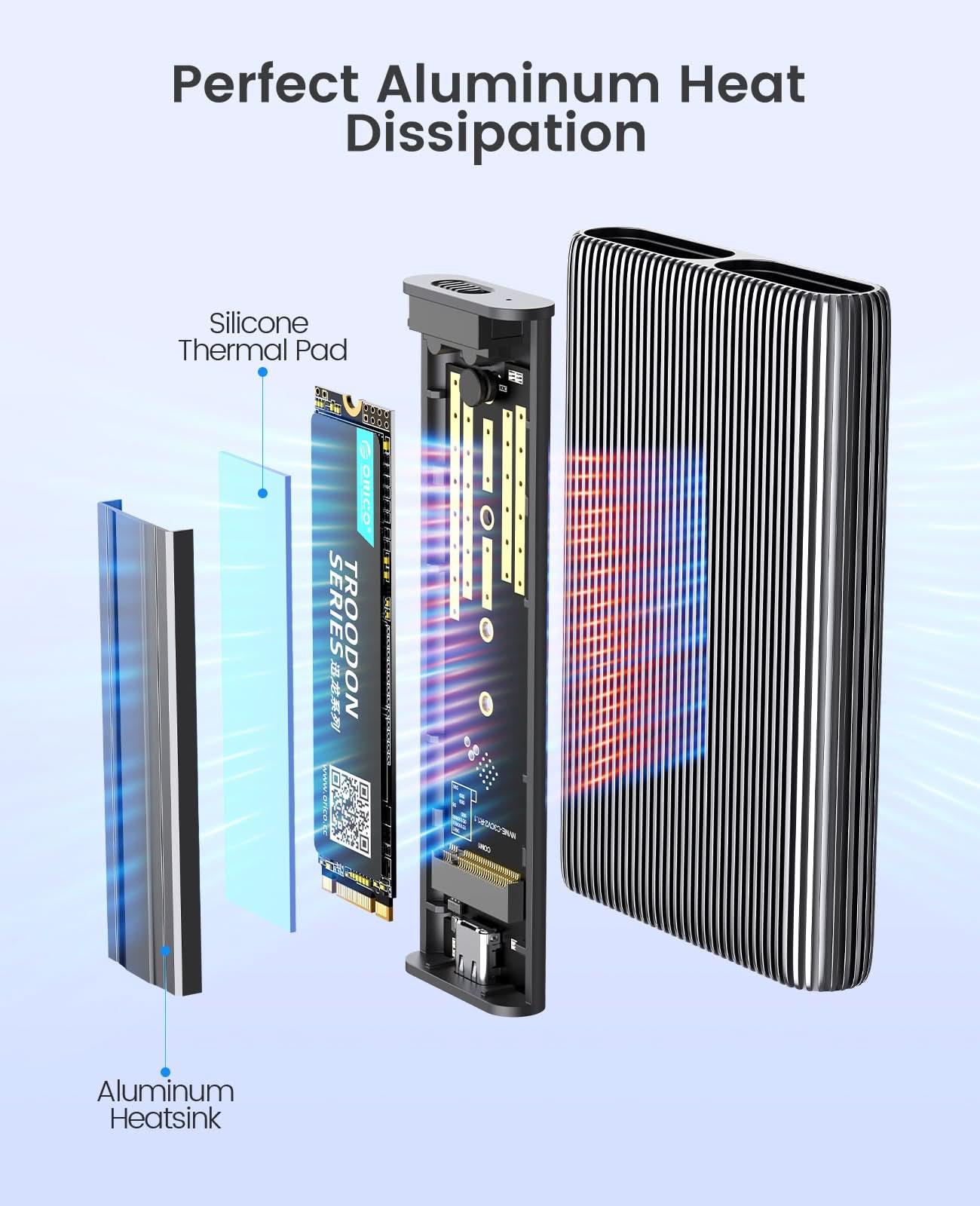
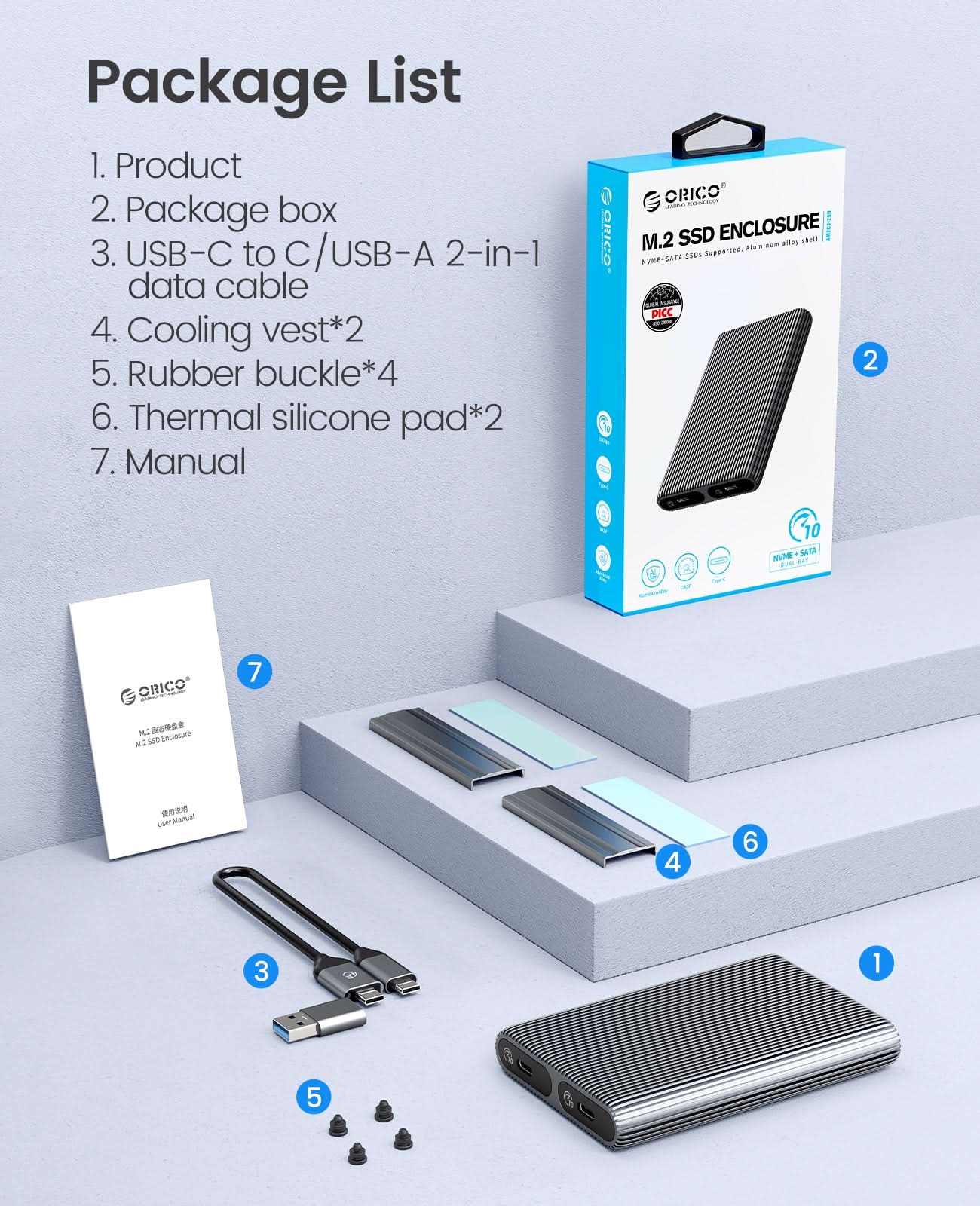
7. Plug and play, no driver required. Support hot-swap. 8. We provide Aluminum Cooling Vest(Heatsink) and Silicone Thermal Pad to help against overheat.


Warm Tips
1. Please properly back up all data on the SSD to prevent data loss.
2. In any case, during data transfer, please do not unplug the M.2 SSD case from the PC, otherwise data may be lost. Please unplug the cable before taking out the SSD after use.
3. Once connected, your PC/Laptop's OS will initialize the M.2 SSD. This process may take a minute. You can access the data if the SSD is partitioned and the data is on the SSD.
4. Be careful to check compatibility before installing an SSD.
5. Please be as gentle as possible when installing the SSD to avoid scratching the components on the printed circuit board. When installing an SSD, be careful of static electricity. On the other hand, for safety reasons, it is also recommended to not connet device before proceeding with the installation.
| Model |
AM2C3-2N
|
| Material | Aluminum Alloy |
| Cable |
Type-C to Type-C/USB-A 0.3M |
| Size | 112.5*75*17MM |
| Interface | Type-C |
| Transmission Rate | NVME10Gbps |
| Cpacity | 4TB MAX |
Kaufen Sie direkt im ORICO Store

Kostenloser Versand
Alle Bestellungen außer sperrigen Produkten über 39,99 $ qualifizieren sich automatisch für kostenlosen Versand. Mehr erfahren

30-tägiges Rückgaberecht
Wir bieten Ihnen ein 30-tägiges, unkompliziertes Rückgaberecht, damit Sie unbesorgt einkaufen können. Mehr erfahren

Expertenunterstützung
Unser engagiertes Team von Technikexperten steht Ihnen jederzeit gerne zur Verfügung. Kontaktieren Sie uns

Zollgebühren und Mehrwertsteuer inklusive
Zollgebühr & Die Mehrwertsteuer ist für die USA/EU/GB/CA/AU/ usw. abgedeckt.